Lindo
A Windows app that uninstalls programs without leaving anything behind: folders, shortcuts and registry keys.
What it is
When you uninstall a program on Windows, folders are often left behind in
Program Files, AppData and ProgramData, along with broken Start menu
shortcuts and registry entries. On a nearly full drive those leftovers add up.
Lindo finds and removes them without touching your other apps.
What it does
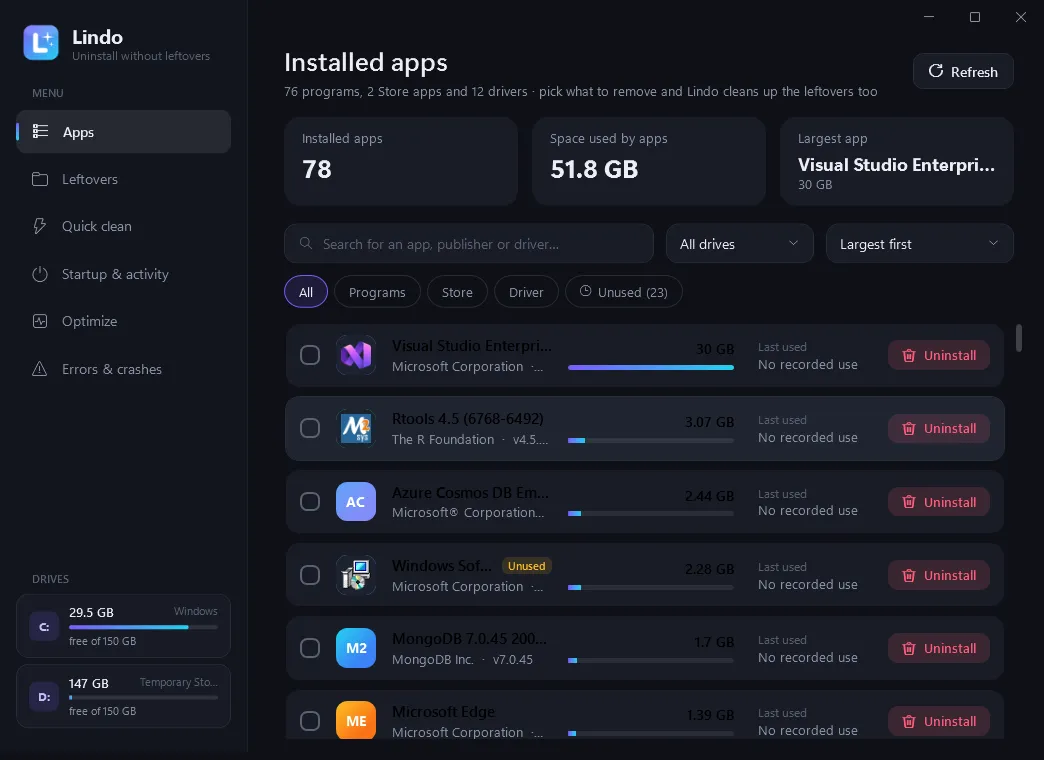
- Apps: programs, Store apps and drivers, with the space they really take, when they were last used and a filter for the ones you don’t use. You can remove several at once, on other drives too.
- Complete uninstall: runs the official uninstaller, then looks for leftovers and related drivers, and tells you how much space you got back.
- Leftovers: folders left by programs you already removed, split into “safe to delete” and “check first”.
- Quick clean: temporary files, Recycle Bin, thumbnail cache, error reports and Windows Update files.
- Startup: everything that starts with Windows, services and scheduled tasks included, each with its own switch.
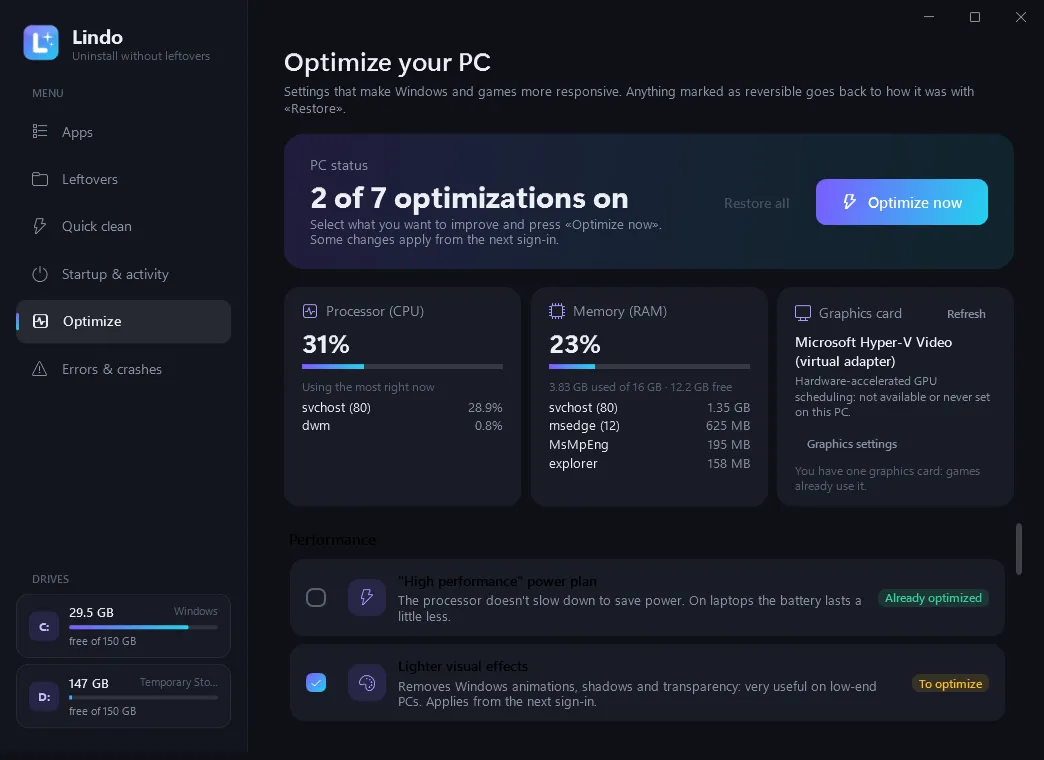
- Optimize: one button for gaming (power plan, Game Mode, mouse acceleration, lighter visual effects), all undone with “Restore all”.
- Errors & crashes: reads crashed programs and blue screens from the last 30 days out of the Event Log and explains them in plain words.
Safety
Lindo only deletes inside program folders, never in Windows, Documents or
Downloads. A folder is never marked safe if an installed app, a service, a
shortcut or a running program uses it, if it’s in the PATH, or if it was
modified in the last 3 months. Before touching the registry it saves a .reg
backup.
On every change GitHub installs Lindo and more than 20 real programs on a clean Windows machine, and a robot drives the interface with mouse and keyboard and checks that the rest of the PC stays intact. The screenshots above come from there.
Status
Download it from GitHub: an MSI installer under 500 KB, a portable version or just the executable. It runs on Windows 10 (1903 or later) and 11 with nothing else to install. It asks for administrator rights and, since it isn’t signed, Windows SmartScreen may warn you: “More info → Run anyway”.